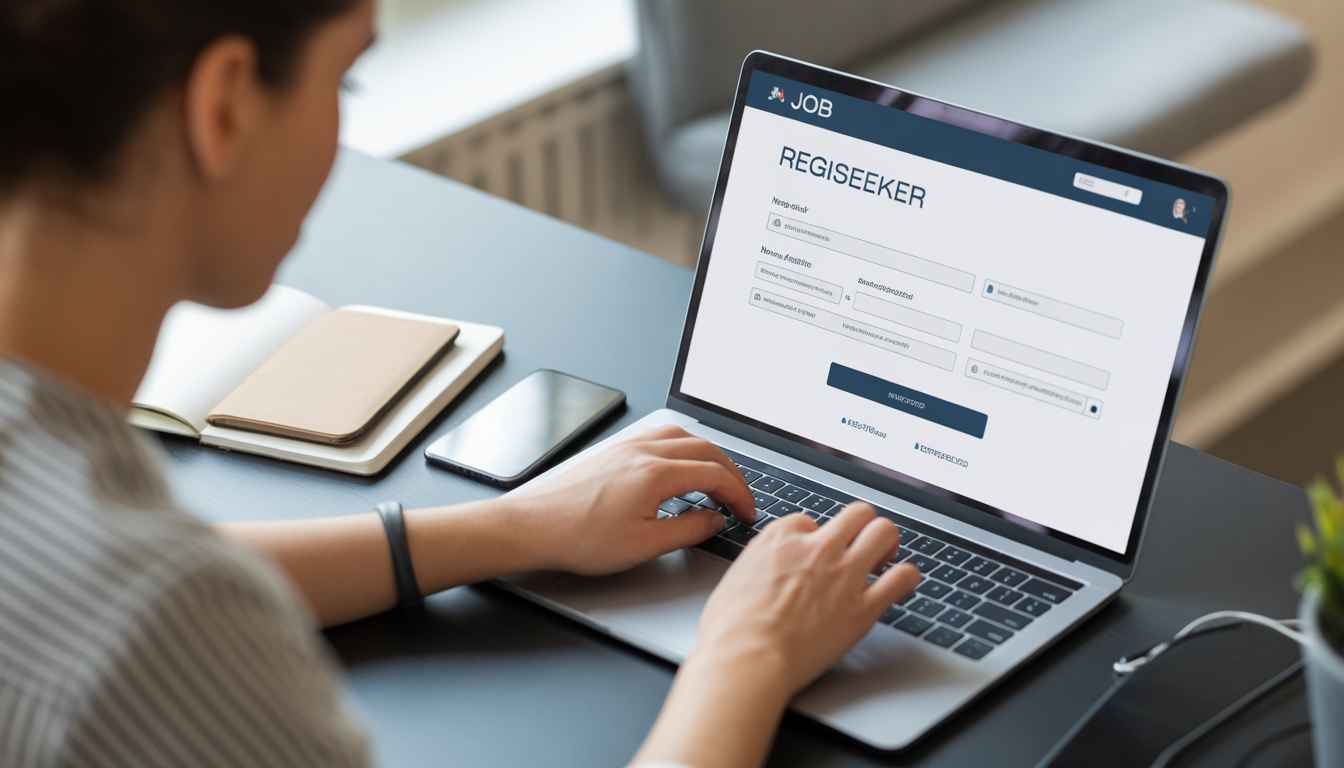
Creating a jobseeker account on Jobs Bangla UK is quick and straightforward. Whether you are looking for opportunities in restaurants, hospitality, or other sectors across London and the UK, having an account allows you to apply for jobs, upload your CV, and connect with employers easily.
This guide will walk you through the steps to get started.
Step 1: Visit the Registration Page
Go to the Jobs Bangla UK login and registration page: Login
Step 2: Click on “Register”
You will see options to log in or register. Select the “Register” tab to create a new account.
Step 3: Choose “Jobseeker”
Select the Jobseeker option (not Employer) so you can apply for jobs and manage your profile.
Step 4: Enter Your Details
Fill in the required information, including:
- Full name
- Email address
- Password
Ensure your email address is correct, as it may be used for verification and job alerts.
Step 5: Complete Your Profile
After registering, log in and complete your profile by adding:
- Your CV
- Skills and experience
- Preferred job roles
- Location (e.g. London or other areas in the UK)
A complete profile helps employers find you more easily.
Step 6: Start Applying
Once your account is set up, you can:
- Browse available jobs
- Apply directly
- Save jobs for later
- Receive job alerts
Tips for Better Results
- Use a professional email address
- Upload an up-to-date CV
- Keep your profile clear and detailed
- Apply regularly to suitable roles
Final Thoughts
Creating a jobseeker account on Jobs Bangla UK is the first step towards finding the right opportunity in the UK job market, especially in the hospitality and restaurant sector. The process is simple and only takes a few minutes to complete.